The Founder's Playbook: How to Add AI to Your SaaS Without Breaking It
Ready to add AI features to your existing SaaS product? This guide shows you how to integrate AI smartly and cost-effectively, without breaking what already works for your users.

Every SaaS founder is asking the same question right now: "How do I add AI to my product?" It feels like table stakes. Your competitors are launching AI-powered features, your investors are asking about your AI strategy, and every tech headline is about the latest large language model (LLM).
The temptation is to rush. To bolt on a generic chatbot or a clunky "AI assistant" just to say you have it. This is a mistake. Adding AI isn't like adding a new button or a theme. It's a fundamental shift in capability, and if you do it wrong, you risk breaking the product your users already love, blowing your budget, and ending up with a gimmick instead of a game-changer.
This is the no-fluff playbook for integrating meaningful AI features into your existing SaaS product—without derailing your roadmap or degrading your user experience. We're not talking about AGI or building Skynet. We're talking about practical, valuable features that solve real problems and create a defensible moat for your business.
The "Why" Before the "How": Identify High-Value AI Use Cases
Before you write a single line of code or look at a single API, stop. The most common failure mode for AI projects is starting with the technology, not the problem. Don't ask, "How can we use GPT-4?" Ask, "What is the most tedious, repetitive, or difficult task our users have to do, and can AI solve it?"
Your goal is to find a use case that provides a 10x improvement in one of three areas:
- Efficiency: Automating manual tasks. Can you summarize long documents, generate reports, draft emails, or extract structured data from unstructured text? This saves your user's most valuable asset: time.
- Insight: Uncovering patterns and predictions. Can you analyze user data to predict churn, identify sales opportunities, or forecast inventory needs? This gives your users superpowers they didn't have before.
- Experience: Creating novel, personalized interactions. Can you build a natural language interface for complex queries, personalize user onboarding, or generate creative content? This makes your product more intuitive and delightful to use.
Here’s a simple checklist to validate a potential AI feature idea:
- Is the problem frequent and painful? Solving a minor annoyance that happens once a year isn't worth the investment.
- Is the 'before' state measurable? You need to be able to prove the ROI. Can you measure time saved, revenue generated, or errors reduced?
- Is the task suited for AI? AI excels at pattern recognition, summarization, generation, and prediction. It's terrible at tasks requiring 100% accuracy, common-sense reasoning, or emotional intelligence.
- Does it align with your core value proposition? If you're a security product, an AI feature that helps users write poetry is a distraction. The feature must make your core product stickier.
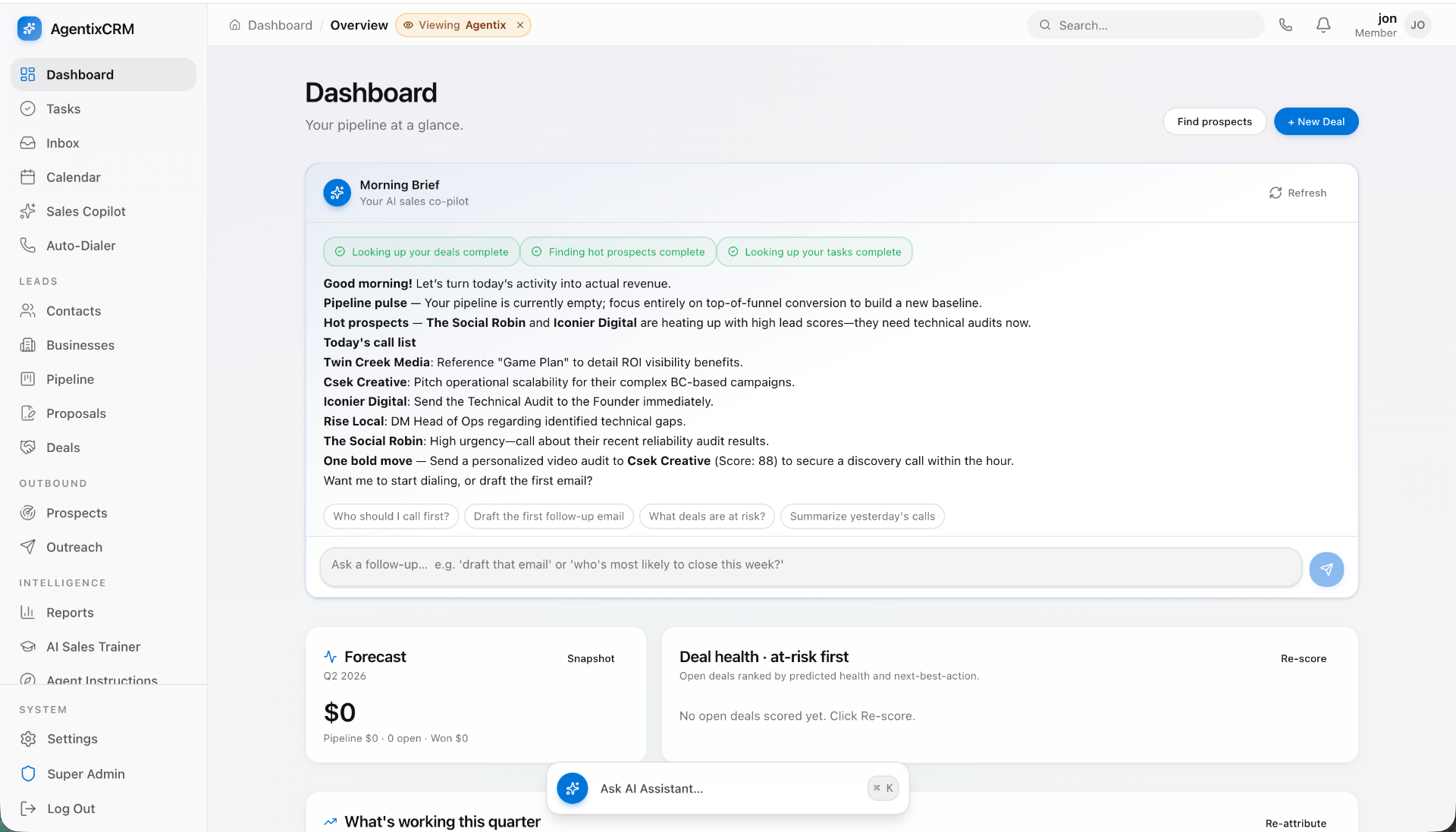
A great example: a project management SaaS. Instead of adding a generic chatbot in the corner, they could build an AI feature that automatically generates a daily digest for a manager, summarizing all activities, flagging blocked tasks, and highlighting key decisions made across all projects. That's a high-value, efficiency-boosting feature directly tied to the core purpose of the product.
The Build vs. Buy vs. Integrate Spectrum: Your Core Strategic Decision
Once you have a validated use case, you face the most critical technical decision: how will you source the AI capability? You have three main paths, each with massive trade-offs in cost, speed, and control.
Option 1: Integrate an Off-the-Shelf API (The Quickest Start)
This is the most common and accessible entry point. You use a third-party, closed-source model via an API. Think OpenAI (GPT-4), Anthropic (Claude 3), or Google (Gemini).
- Pros: Blazingly fast to prototype. You can get a proof-of-concept running in a week. You get access to state-of-the-art models without any of the infrastructure overhead.
- Cons: Potentially high and unpredictable operational costs (you pay per token). You have zero control over the model's architecture or training data. You're sending your users' data to a third party, which can be a non-starter for enterprise customers or those in regulated industries (check data usage policies carefully!).
- Best For: General-purpose tasks like text summarization, content generation, and simple classification where a custom-trained model isn't necessary.
- Ballpark Cost: $20,000 - $50,000 for the initial integration development (2-6 weeks), plus ongoing API fees that could range from hundreds to thousands of dollars per month depending on usage.
Option 2: Fine-Tune an Open-Source Model (The Balanced Approach)
Here, you take a powerful open-source model like Llama 3, Mistral, or Phi-3 and train it further on your own proprietary data. This creates a specialized version of the model that's an expert in your specific domain.
- Pros: You get a model that performs significantly better on your niche task than a general-purpose one. You can host it yourself (on-prem or in your own cloud), giving you full control over data privacy and security. The cost per inference is often much lower than a third-party API at scale.
- Cons: Higher upfront cost and complexity. You need data scientists or ML engineers to prepare the data and run the fine-tuning process. You're also responsible for hosting and scaling the model, which requires infrastructure expertise.
- Best For: Domain-specific tasks that require high accuracy. Think a legal tech app that needs to understand legal contracts, or a medical software that needs to interpret doctor's notes.
- Ballpark Cost: $60,000 - $150,000+ for the data preparation, fine-tuning, and deployment (8-16 weeks), plus ongoing hosting costs ($1,000 - $5,000+/mo).
Option 3: Build a Custom Model from Scratch (The High-Stakes Play)
This is the Mount Everest of AI development. You are collecting a massive, unique dataset and training a new model from the ground up.
- Pros: If it works, you have created deeply defensible IP that no one can replicate. This can become the entire foundation of your business.
- Cons: Astronomically expensive ($500,000 to millions), incredibly time-consuming (12-24+ months), and carries a very high risk of failure. It requires a world-class team of ML researchers.
- Best For: Almost no existing SaaS should do this. This path is for startups where the novel AI model is the product, not a feature.
Our advice: For 95% of SaaS companies, the choice is between Option 1 and Option 2. Start with Option 1 to validate the feature quickly and affordably. If it gets traction and you see a clear ROI, you can then move to Option 2 to improve performance and control costs at scale.
Your AI Integration Roadmap: A Step-by-Step Plan Without the Hype
Okay, you’ve picked a use case and a model strategy. Now, how do you integrate it without creating a technical debt nightmare? The key is isolation.
Step 1: Isolate the AI as a Microservice. Do not bake the AI logic directly into your main application (e.g., your Rails or Node.js monolith). Create a completely separate, standalone service for the AI feature. This service will have one job: receive a request from your main app, perform the AI task, and return the result.
Step 2: Define a Rigid API Contract. Your main app and your new AI service should communicate through a clean, well-documented internal API. Define exactly what data the main app will send (e.g., {"user_id": 123, "document_text": "..."}) and what the AI service will return (e.g., {"summary": "...", "confidence_score": 0.92}). This decoupling is your most important architectural decision.
Step 3: Build the UI with Fake Data First. Before you even touch the AI model, build out the entire user interface and user experience for the feature. Use hard-coded, placeholder responses. This allows your product and design teams to iterate on the workflow and get user feedback without waiting for the complex backend to be finished. It completely de-risks the front-end portion of the project.
Want this shipped, not just read about?
Book a free scoping call. We'll map the smallest billable wedge of your idea and tell you honestly if we're the right team to build it.
Book a free scoping callSee what we've shipped →
Step 4: Implement the AI Logic. Now, build the microservice. This is where you'll call the OpenAI API or host your fine-tuned model. The service implements the API contract from Step 2. Because it's isolated, you can use the best tools for the job (like Python and FastAPI), even if your main app is built in another language.
Step 5: Connect and Test End-to-End. Finally, swap the fake data from Step 3 with a real API call to your new AI microservice. Now you test everything together. Because you isolated the components, debugging is a thousand times easier. If something breaks, you know whether the problem is in the UI, the main app's API call, or the AI service itself.
This is where a seasoned development partner like Envert shines. We specialize in building these isolated services and ensuring they integrate seamlessly with your existing codebase, preventing the 'spaghetti architecture' that can cripple a product. We've done this for dozens of SaaS companies, building everything from AI-powered internal tools to customer-facing features.
The Tech Stack: Tools We Actually Use to Ship AI Features
There's a firehose of new AI tools every week. Here's a short, opinionated list of the tech we at Envert rely on to build robust AI integrations for our clients.
For Model Integration & Serving
- Language/Framework: Python is the lingua franca of AI. We use FastAPI to build high-performance, asynchronous API services that wrap the AI logic. It's modern, fast, and has fantastic documentation.
- Orchestration: LangChain and LlamaIndex are invaluable frameworks for building applications on top of LLMs. They help manage prompts, chain multiple AI calls together, and connect models to external data sources (like your application's database or a vector store).
- Vector Databases: For any feature involving Retrieval-Augmented Generation (RAG)—where you want the AI to answer questions based on specific documents—you need a vector database. We've had great success with Pinecone, Weaviate, and the self-hostable ChromaDB.
For Infrastructure & Deployment
- Containerization: Docker is non-negotiable. It allows us to package the AI service and its dependencies into a portable container that runs identically anywhere.
- Hosting: The choice depends on the model strategy. For third-party APIs, the service can be a simple serverless function. For hosting fine-tuned models, we often use services like AWS SageMaker, Google Vertex AI, or for smaller models, a GPU-enabled instance on a standard cloud provider. Modal Labs is an excellent newer option for serverless GPU workloads.
For Front-End Integration
- Streaming Responses: To create that "ChatGPT-like" effect where the text appears token-by-token, you need to handle streaming responses. This requires using the
fetchAPI on the frontend and a streaming response type on the backend (FastAPI'sStreamingResponseis great for this). - Optimistic UI: Don't block the UI while waiting for the AI. Show loading states, progress indicators, and skeletons. For some actions, you can even use optimistic updates where the UI assumes success and rolls back only if an error occurs.
Budgeting for AI: The Real Costs Founders Overlook
Your CFO will ask, "What's the total cost of ownership?" Don't just give them the developer's salary. The real cost of an AI feature is multi-faceted.
Upfront Development Cost: This is the one-time cost to design, build, and deploy the MVP of the feature. For a well-scoped feature integrated by a top-tier studio, you're typically looking at $30,000 - $100,000. This gets you from idea to a production-ready, isolated microservice and integrated UI.
Ongoing API/Inference Costs: This is the "fuel" for your feature. If you use a third-party API, you pay per request. This can be tricky to forecast. A sample calculation: if 1,000 users use your feature 5 times a day, and each use involves ~2,000 tokens with GPT-4 Turbo, you could be looking at $1,000-$3,000 per month in API bills. Model this carefully!
Hosting & Infrastructure Costs: If you're self-hosting a model, you're paying for the servers. A GPU instance can run from $500 to $5,000+ per month, depending on the power and uptime you need. Don't forget logging, monitoring, and data storage costs.
Maintenance & Tuning Costs: This is the one everyone forgets. AI models are not static. APIs get versioned, model performance can drift, and you'll want to periodically re-tune your model with new data. Budget at least 15-25% of the initial development cost annually for ongoing maintenance, bug fixes, and improvements.
When we scope an AI project at Envert, we provide a transparent cost breakdown covering not just the initial build but also a realistic forecast for these ongoing operational expenses. This avoids nasty surprises for founders down the road and ensures the feature has a sustainable business case.
Don't Break What Works: Mitigating the Hidden Risks of AI
An AI feature can introduce new and unfamiliar risks into your stable, predictable software product. You need to actively design for them.
Risk 1: Performance Degradation
AI calls can be slow—much slower than a typical database query. A call to an LLM can take anywhere from 2 to 30 seconds. If you make this call synchronously while a user is waiting, you've just destroyed your user experience. Solution: Use asynchronous background jobs. The user clicks "Generate Summary," your app immediately responds with "Great, we're working on it!" and a background worker (like Sidekiq or Celery) makes the slow AI call. When it's done, you notify the user via an in-app notification or email.
Risk 2: Unpredictable Outputs & Hallucinations
LLMs make things up. This is a feature, not a bug, but it's dangerous if you're not prepared. Never, ever trust the output of an AI blindly for critical operations. Solution: Implement guardrails. If an AI is generating JSON, validate the output to ensure it matches the expected schema before saving it. For user-facing text, implement a "human-in-the-loop" workflow. The AI suggests a draft, but the user must review and approve it before it's finalized.
Risk 3: Security & Data Privacy
If you're sending customer data to a third-party API, you are creating a potential data leak. What is their data retention and usage policy? Are they using your data to train their models? This can be a deal-breaker for enterprise clients. Solution: Be transparent in your privacy policy. If possible, use providers that offer zero-data-retention policies (like OpenAI's API when opted-in, or Azure OpenAI). For maximum security, self-hosting a fine-tuned model is the only real answer.
Risk 4: User Experience Chaos
A poorly explained or unreliable AI feature creates frustration and erodes trust. Users need to understand what the AI is doing, how confident it is, and what they should do if it's wrong. Solution: Design for clarity. Use clear loading states. If possible, show a confidence score with the AI's output. Always give the user an easy way to edit, discard, or regenerate the AI's suggestion. The user must always feel in control.
Adding AI to your SaaS is no longer optional—it's a critical lever for growth and defensibility. But approaching it with a hype-driven, rushed mindset is a recipe for disaster.
By starting with a real user problem, making a deliberate strategic choice on your model, isolating the feature architecturally, and planning for the hidden risks and costs, you can ship AI that actually delivers on the promise.
Feeling overwhelmed? You don't have to be. Adding AI is a huge lever for growth, but the execution risk is real. At Envert, we're a US-based software studio that helps SaaS founders design, build, and launch new features, including complex AI integrations. If you want a technical partner who gets it, book a free, no-pressure scoping call with us. We'll help you map out a concrete plan for your first AI feature.
Frequently asked questions
How much does it really cost to add a simple AI feature to my SaaS?+
For an MVP AI feature, like a text summarizer using a third-party API, budget between $30,000 and $75,000 for initial development. This covers scoping, design, building an isolated service, and integrating it into your app. Remember to also factor in ongoing API and maintenance costs.
Can I just use an off-the-shelf API like OpenAI for everything?+
You can for many general tasks, and it's the fastest way to start. However, be mindful of the trade-offs: pay-per-use costs can scale quickly, you have less control over performance, and sending customer data to a third party can create security and privacy issues.
Do I need to hire a dedicated AI/ML engineer for my team?+
Not necessarily, especially at first. A skilled full-stack development team or a specialized studio can integrate third-party APIs or even manage the fine-tuning of an open-source model. You only need a dedicated ML engineer for highly custom or from-scratch model development.
How long does it take to integrate a new AI feature?+
For a well-scoped MVP feature using a third-party API, a realistic timeline is 4-8 weeks from kickoff to launch. A more complex feature involving fine-tuning a model could take 10-16 weeks due to the added data preparation and training steps.
What's the biggest mistake founders make when adding AI?+
The biggest mistake is chasing hype instead of solving a real user problem. Adding a generic chatbot 'because everyone else is' provides little value. The most successful AI features are deeply integrated into the core workflow and solve a frequent, painful problem for the user.